Step 1
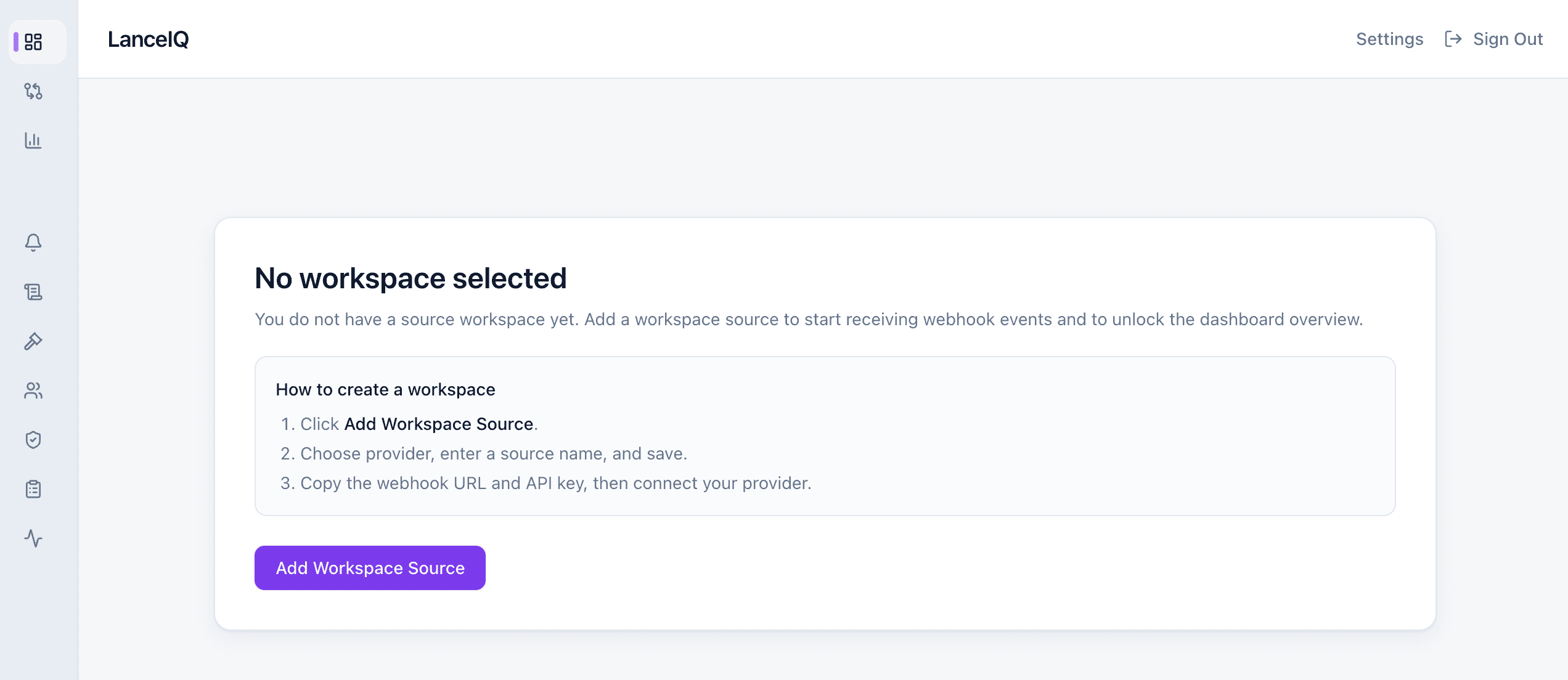
Image 1: First login lands on Dashboard
New users can start directly from this screen.
- Log in and open your dashboard.
- Click Add Workspace Source to begin setup.
Initializing LanceIQ...
Setup Guide
Follow these five steps to connect your payment source, secure event verification, enable 3-way forwarding, and start tracking recovery with dispute-ready proof.
Step 1
New users can start directly from this screen.
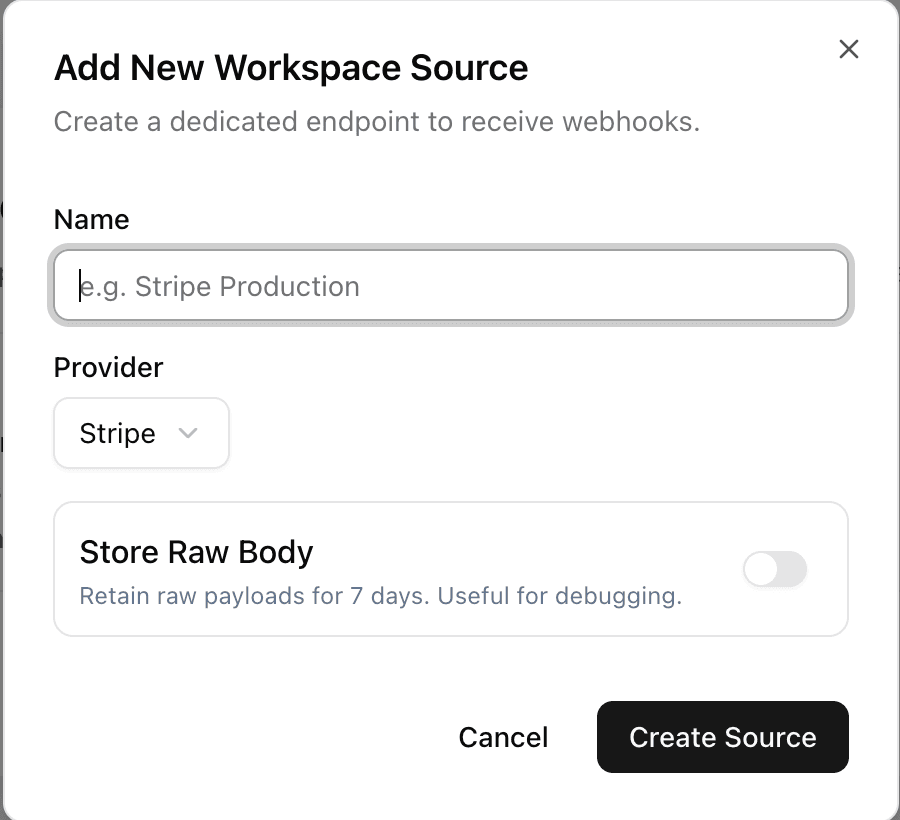
Step 2
This is the default first-time setup path.
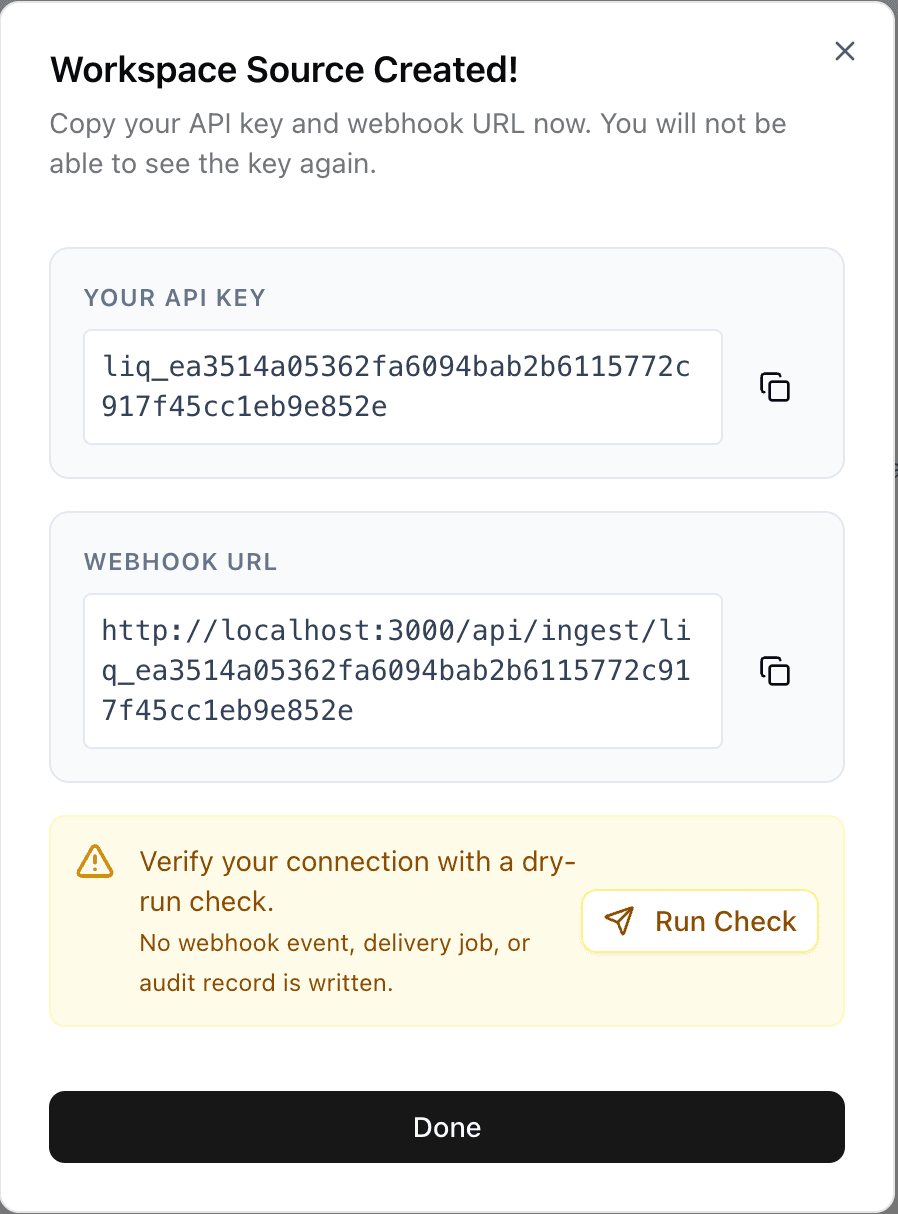
Step 3
This is the most important part. Save these values immediately.
Step 4
Now secure incoming events and unlock deeper reconciliation.
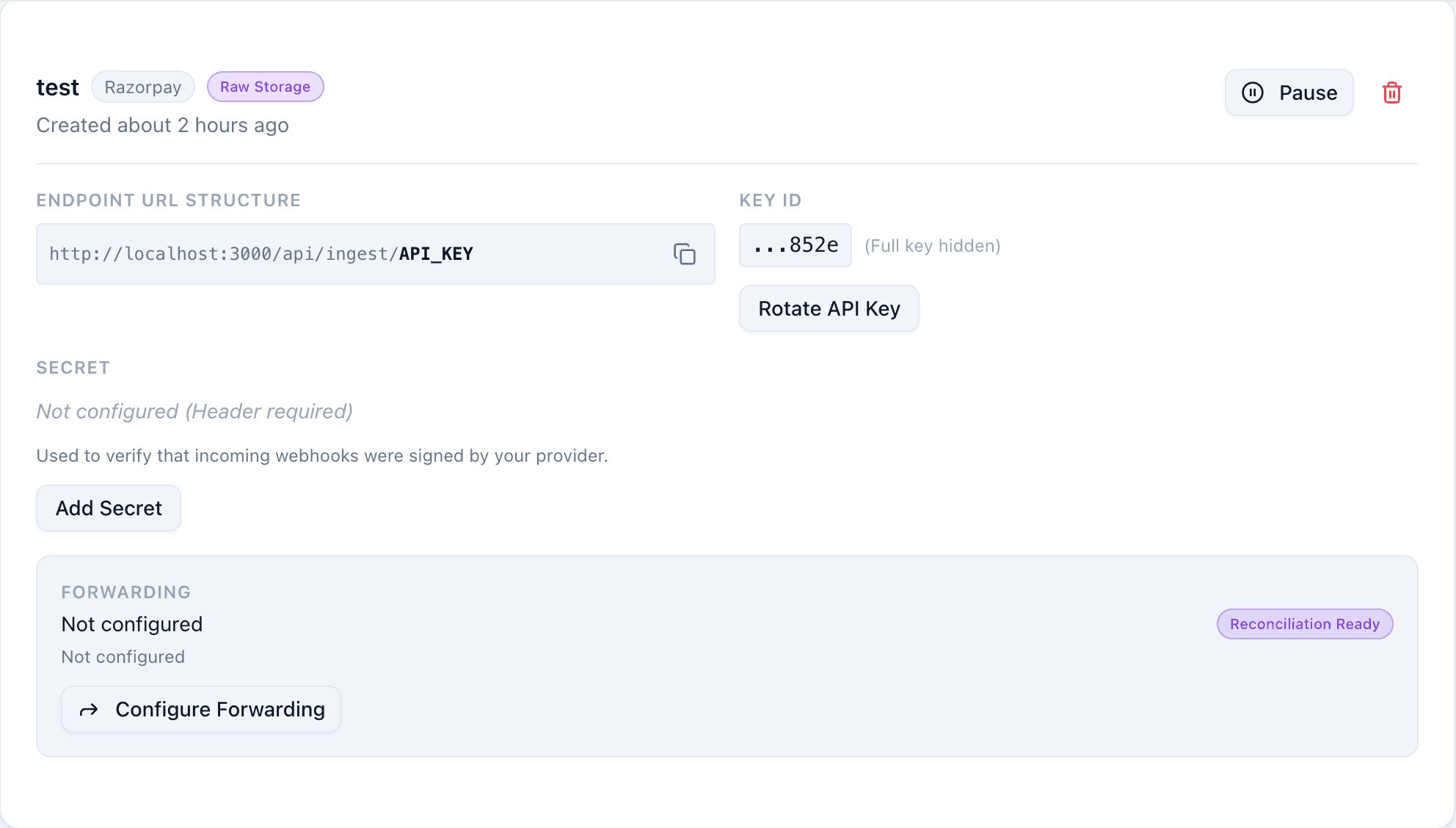
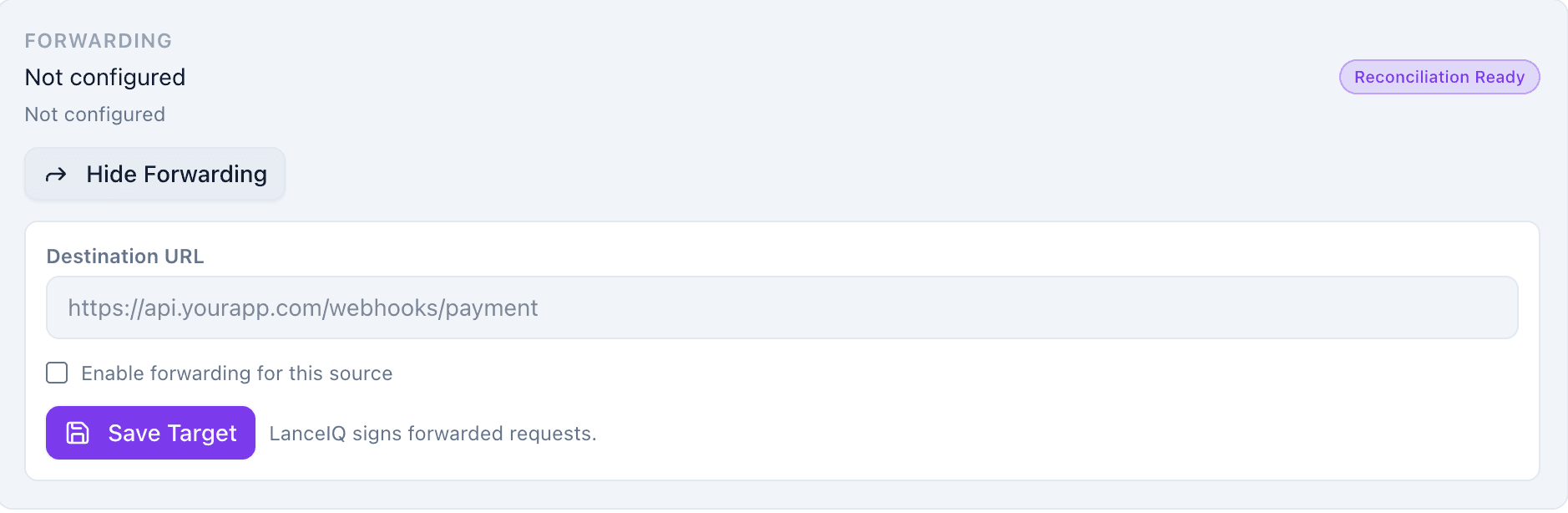
Step 5
This connects provider -> LanceIQ -> your app for full visibility.